Shortcuts Guide
Sunclub works with Apple Shortcuts so your sunscreen habit can fit into the routines you already use, like a morning reminder or a quick status check before leaving home.
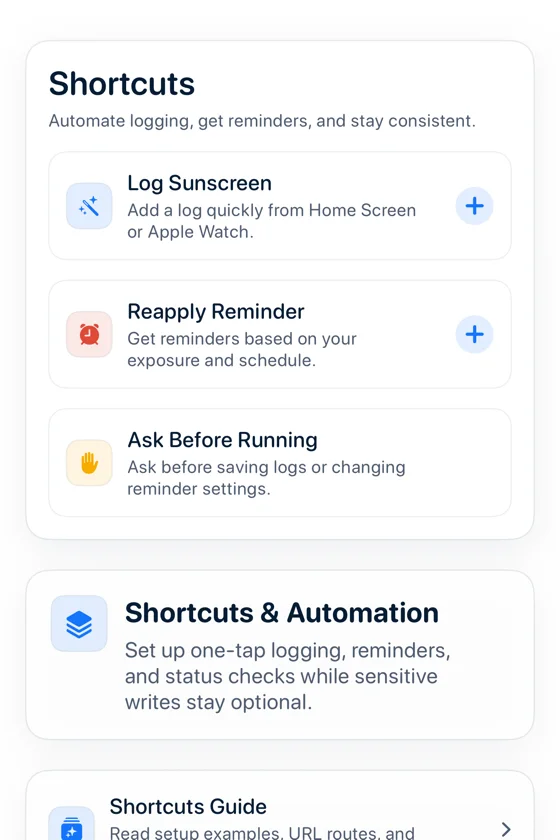
What you can automate
Log sunscreen
Create a Shortcut that records sunscreen with your usual SPF and areas. You can keep it manual or let iOS ask before it runs.
Get current UV status
Ask Sunclub whether you logged today, how long it has been, and whether it is time to reapply.
Get reapplication status
Use a Shortcut or Sunclub's app screens to check whether your current log is still fresh.
Create a reminder
Combine Sunclub with time, location, Focus, or calendar triggers in the Shortcuts app when you want a reminder that matches your day.
Review history summary
Pull a quick summary of recent logs and use it in a personal routine without opening a new account or web service.
Open the Shortcuts app
Create a new shortcut or personal automation, then search for Sunclub in the action picker.
Choose the action
Start with Log Sunscreen for a simple daily habit, or choose a status action when you only want to check your current state.
Decide how it runs
For automatic routines, keep Ask Before Running on until you are comfortable with the result. You can change this any time in Shortcuts.