Getting Started
Welcome to Sunclub. Follow these steps to build your sunscreen habit and keep your next action easy to find.
Choose your UV settings
Sunclub can use your location to show local UV Index and forecast context. You can allow location during setup, change it later in Settings, or keep manual logging without location.
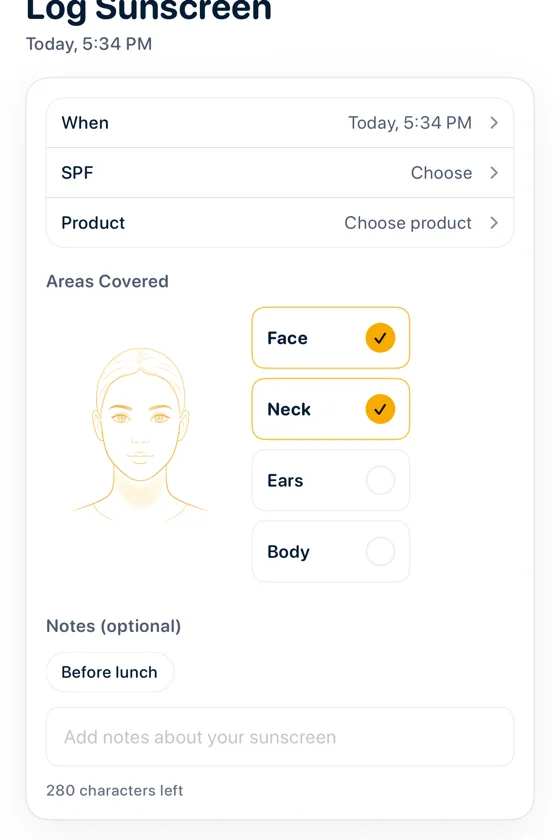
Log your sunscreen
Tap Log Today when you apply sunscreen. Add SPF, product, areas, or notes when they help, or keep the log quick when you are on the go.
Turn on reminders
Daily and reapply reminders are optional. When reminders are on, Sunclub can nudge you when it is time to apply again.
Check your progress
Use Today for your current status and History for the bigger pattern. Apple Watch, widgets, and Shortcuts can keep the same habit close by.